


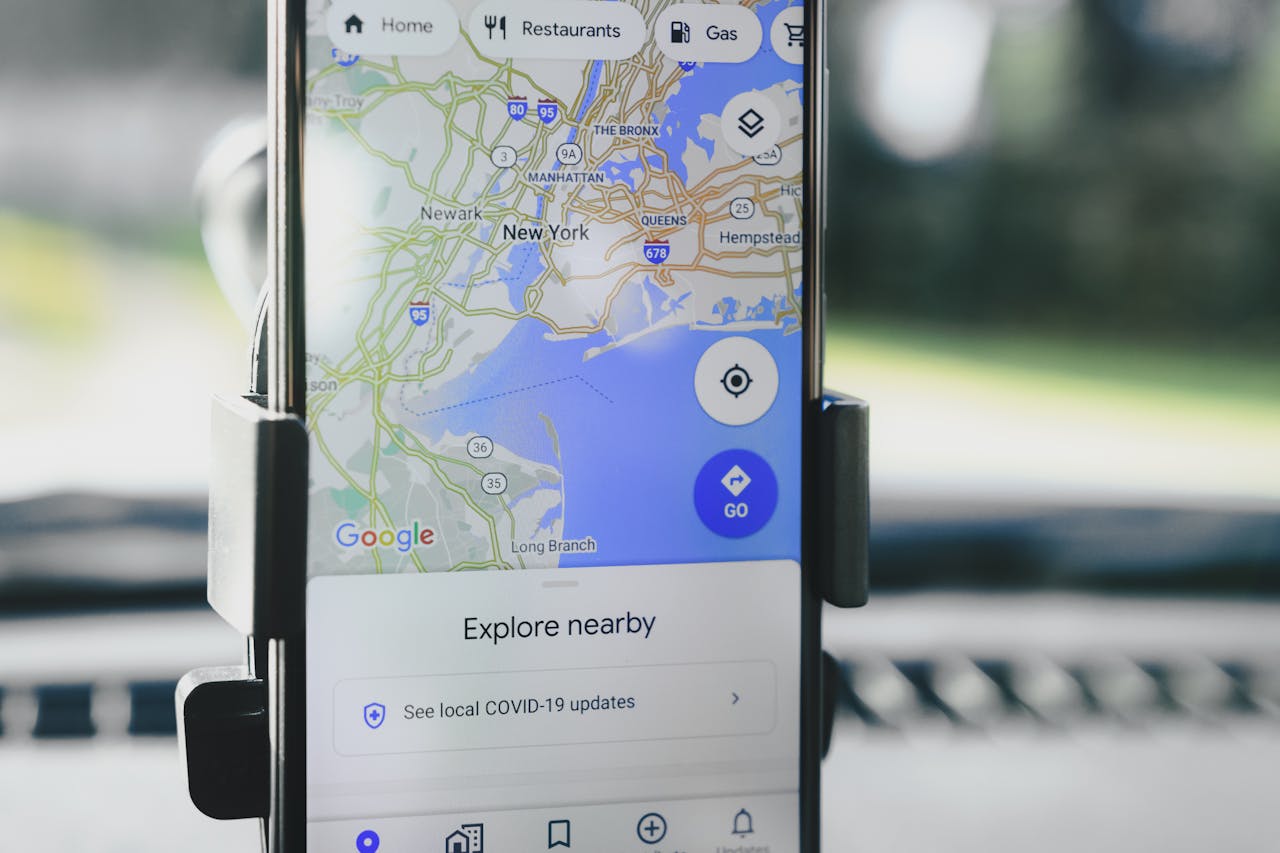
If you own a local business — whether it is a restaurant, salon, repair service, or retail store — appearing on Google Maps is essential. When potential customers search for services “near me,” businesses that rank high on Google Maps get the majority of clicks, calls, and foot traffic. In this guide, I will walk you through proven local marketing strategies to help your business rank on Google Maps and attract more customers in your area.
Why Ranking on Google Maps Matters
Google Maps is integrated with Google Search. When someone searches for a local service like “plumber near me” or “coffee shop in Nairobi,” Google displays a map pack — the top three local businesses shown prominently at the top of search results. These businesses receive the majority of visibility and customer engagement.
Here is why ranking on Google Maps is critical for local businesses:
- High Visibility – The map pack appears above organic search results, giving you prime real estate
- Mobile Dominance – Over 60% of local searches happen on mobile devices, with many users calling or visiting immediately
- Increased Trust – Businesses with complete Google Business Profiles appear more credible and established
- Free Traffic – Ranking organically on Google Maps drives customers without ongoing ad spend
Step 1: Optimize Your Google Business Profile
Your Google Business Profile is the foundation of local marketing. It is the listing that appears on Google Maps and Search. Optimizing it completely is the most important step you can take.
Claim and Verify Your Profile
If you have not already, claim your Google Business Profile at business.google.com. Google will verify your business by sending a postcard, phone call, or email with a verification code. Complete this step before anything else.
Provide Complete and Accurate Information
Google favors businesses with complete profiles. Fill out every section:
- Business Name – Use your real business name, not keywords
- Address – Use a precise, accurate address in the correct format
- Phone Number – Use a local number with the correct country code (+254 for Kenya)
- Website – Link to your website or relevant landing page
- Business Hours – Include regular hours and special holiday hours
- Categories – Select the most relevant primary category and add secondary categories that describe your services
Write a Compelling Business Description
Use the description to explain what you do, what makes you unique, and what areas you serve. Include relevant keywords naturally without keyword stuffing. Aim for 500 to 750 characters.
Step 2: Collect and Respond to Customer Reviews
Reviews are one of the strongest ranking factors for Google Maps. They also influence whether potential customers choose your business over competitors.
How to Get More Reviews
- Ask satisfied customers directly after a positive interaction
- Send follow-up emails or SMS with a direct link to your review page
- Display a sign in your physical location encouraging reviews
- Include a review link on your receipts or invoices
How to Respond to Reviews
Respond to every review — both positive and negative. For positive reviews, thank the customer and personalize your response. For negative reviews, stay professional, apologize for their experience, and offer to make it right. Google rewards businesses that actively engage with reviews.
Review Quantity and Quality
Businesses with more reviews and higher average ratings rank better. Aim for a consistent flow of new reviews. A rating of 4.2 stars or higher is ideal.
Step 3: Use Local Keywords in Your Website Content
Your website and Google Business Profile should work together. Google uses information from both to determine where you rank in local search results.
Optimize for Local Search
Include local keywords throughout your website:
- City and neighborhood names
- Landmarks or well-known areas
- Service area descriptions
- “Near me” variations
For example, if you are a barber in Eastleigh, Nairobi, your content should include phrases like “barber in Eastleigh,” “haircut near Nairobi city center,” and “men’s grooming in Eastleigh.”
Create Location-Specific Pages
If you serve multiple areas, create dedicated pages for each location. For example:
/barber-eastleigh//barber-cbd//barber-westlands/
Each page should have unique content, not just copied text.
Step 4: Build Local Citations and Backlinks
Citations are mentions of your business name, address, and phone number (NAP) on other websites. Consistency across all citations is critical for local rankings.
Submit to Local Directories
List your business in:
- Local chamber of commerce websites
- Industry-specific directories
- Popular local directories in Kenya (like Yellow Pages Kenya, Mocality alternatives)
- Social media platforms (Facebook, Instagram)
Ensure NAP Consistency
Your business name, address, and phone number must be identical across all platforms. Even small variations like “St.” vs. “Street” can confuse Google and hurt rankings.
Earn Local Backlinks
Backlinks from reputable local websites signal authority to Google. Earn them by:
- Partnering with other local businesses
- Sponsoring local events or sports teams
- Getting featured in local news or blogs
- Hosting community events
Step 5: Add High-Quality Photos and Videos
Google Business Profiles with photos receive 42% more requests for directions and 35% more clicks to websites than those without. Visual content builds trust and engagement.
Types of Photos to Add
- Exterior and interior shots of your business
- Team photos to personalize your brand
- Products or services in action
- Customer interactions and happy clients
- Videos showcasing your process or location
Upload new photos regularly to keep your profile active and engaging.
Step 6: Use Google Posts to Stay Active
Google Posts allow you to publish updates directly to your Google Business Profile. These appear on Maps and Search, showing customers that your business is active and engaged.
Ideas for Google Posts
- Promotions and discounts
- New product or service announcements
- Upcoming events or workshops
- Behind-the-scenes content
- Seasonal offerings
Post at least once a week to maintain activity signals that Google favors.
Step 7: Monitor Your Performance and Adjust
Use Google Business Profile insights to track how customers find and interact with your listing.
Key Metrics to Monitor
- Search Queries – What keywords people use to find you
- Direction Requests – How many people ask for directions to your location
- Phone Calls – Calls placed directly from your profile
- Website Clicks – Traffic driven from your listing
- Photo Views – Engagement with your visual content
Use this data to refine your strategy. If certain keywords are driving traffic, optimize more content around them. If photo views are low, add more high-quality images.
Bonus: Run Google Local Service Ads
If you have budget for advertising, Google Local Service Ads (LSAs) are highly effective for local businesses. Unlike traditional PPC, LSAs appear at the very top of search results above the map pack. You pay per lead (phone call or message) rather than per click, and they come with a Google Screened or Google Guaranteed badge that builds instant trust.
Common Mistakes to Avoid
- Inconsistent NAP Information – Even small inconsistencies can hurt rankings
- Ignoring Reviews – Not responding to reviews signals that you do not value customer feedback
- Using a PO Box – Google prefers physical addresses for verification and ranking
- Keyword Stuffing – Overloading your business name or description with keywords can result in penalties
- Neglecting Mobile Experience – Most local searches happen on mobile; ensure your website is mobile-friendly
Final Thoughts
Ranking on Google Maps is one of the most effective ways to attract local customers without spending heavily on advertising. By optimizing your Google Business Profile, collecting reviews, using local keywords, building consistent citations, adding visual content, and staying active with posts, you can climb the local rankings and dominate your service area.
Start by claiming or updating your Google Business Profile today. Focus on one strategy at a time, and you will begin to see more calls, more visits, and more customers walking through your door.